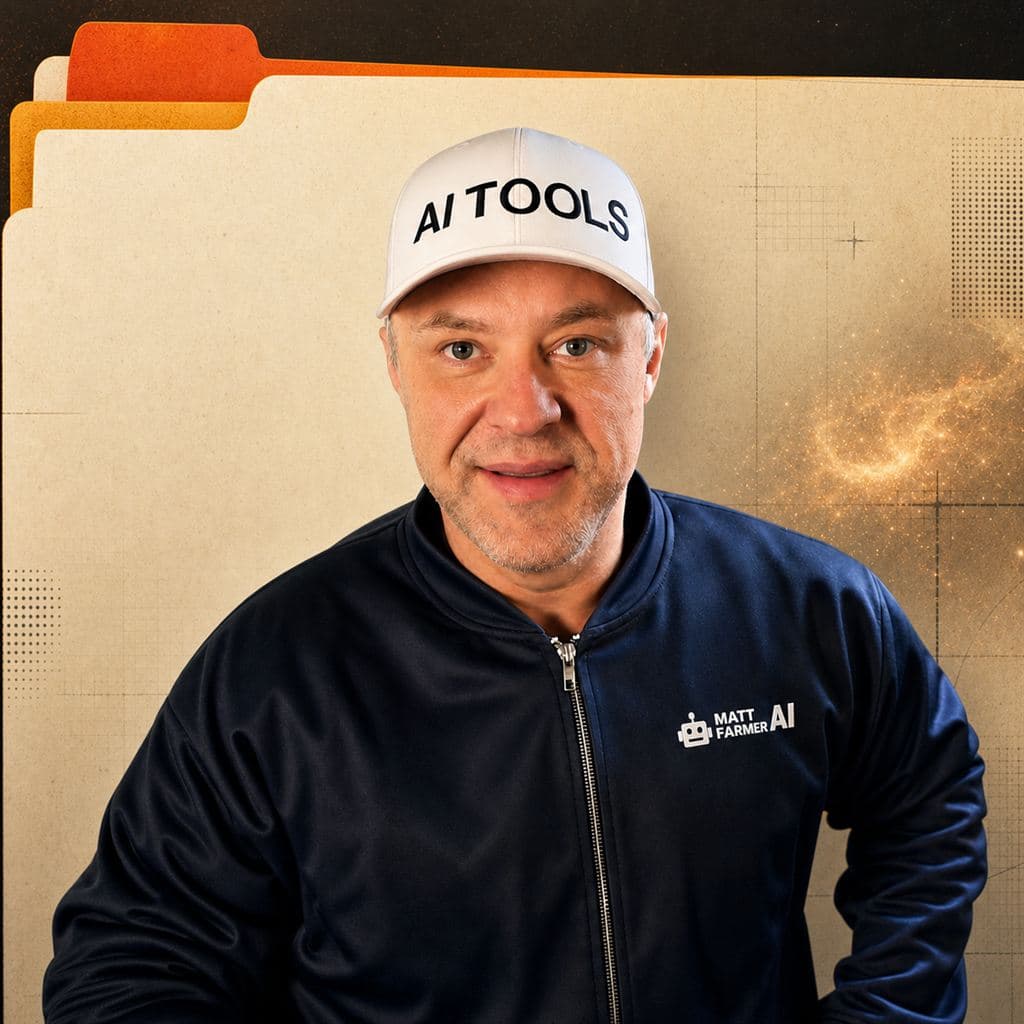
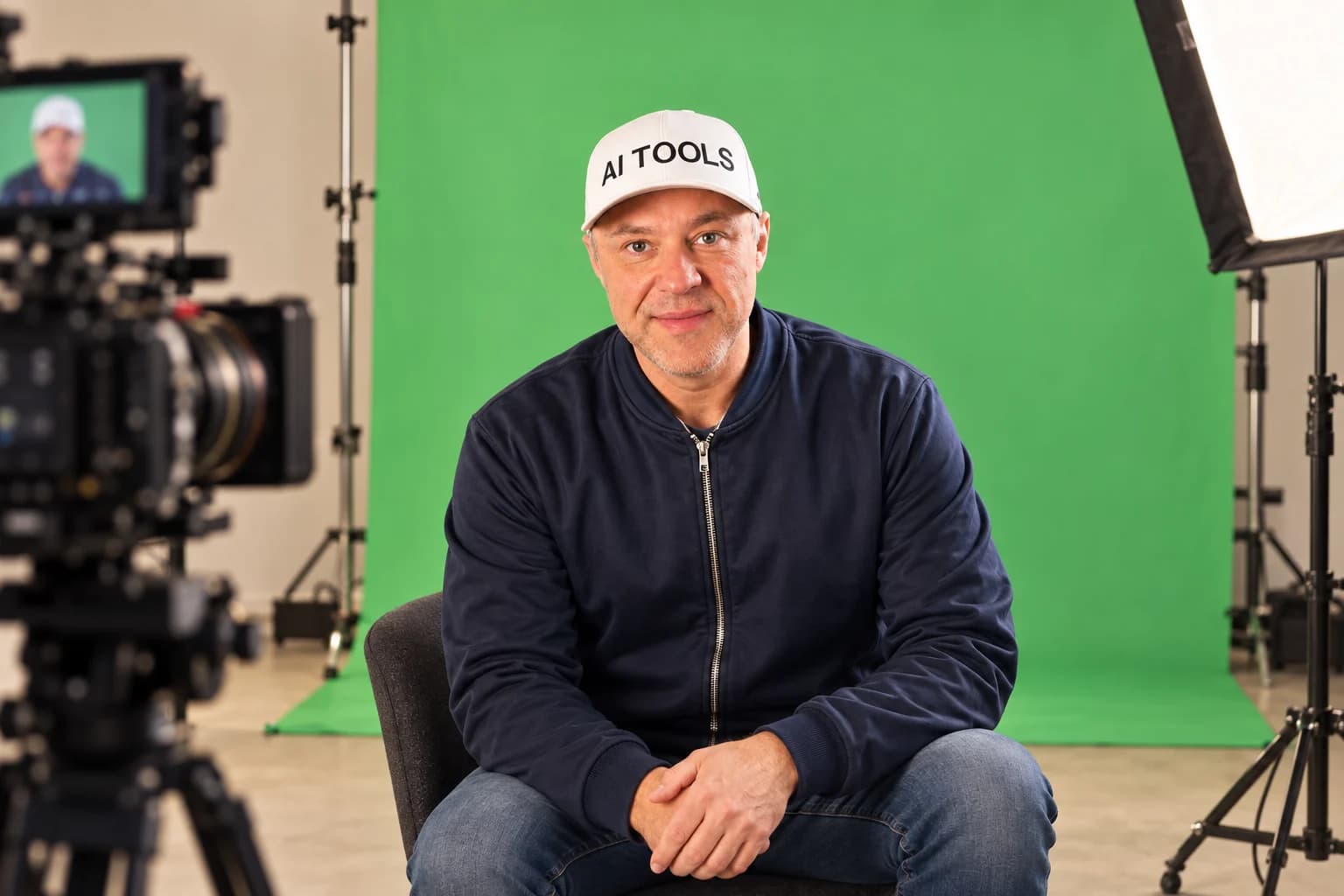
Animated workshop promo. Matt Farmer AI introduces the two-day Vibe Editing Workshop. A filmstrip shows an original 3D mechanical-switch concept and lens explainer, followed by excerpts from the AI Thinking Levels video and Matt’s published Topview sponsored video. The Topview excerpt is labeled Paid sponsorship in the video; Topview does not sponsor the workshop. The video explains the six-stage workflow: script, footage, animation, edit, captions, review. The switch concept illustrates a product visual that needs no personal footage. A photo of Matt appears beside the two real video excerpts. Day 1 teaches the system and provides skill files; attendees try a small project before Day 2 group Q&A. The closing offer lists both live sessions, Q&A, reusable video skills, a PDF guide and 12 months of recordings. Final card: Vibe Editing Workshop, two live days, $97 USD total, 98 seats, vibeedit.mattfarmer.ai.
One ticket · everything you keep
Here’s what your $97 includes.
01
Two live sessions
See Matt’s product-ad and creator workflows, with group Q&A.
02
Reusable skill files
Take home the instructions and adapt them to your own videos.
03
Resource guide
A PDF with the setup and tools used in the workshop.
04
12 months of replays
Rewatch both sessions in your attendee hub.
For people already comfortable with AI tools. No personal brand or footage of yourself required.
See what you can make
From product visuals to creator videos.
See three original concepts and two finished videos from Matt’s workflow.
Inside one click
Product ads
Silent original 3D animation. A fictional mechanical switch rotates in a dark studio. The keycap lifts away from the stem, spring, and housing. The components reassemble; the keycap presses down. The film closes on BUILT TO BE FELT. Fictional product concept.
How a lens finds focus
Explainers
Silent original 3D animation. The camera approaches a stylized lens barrel and moves through its illuminated glass elements. Rays travel toward a sensor plane. The film closes on LIGHT BECOMES IMAGE. This is a stylized visual explainer, not a physics simulation.
Frame by Frame channel intro
Creator videos
Silent original 3D animation. The camera travels through four suspended frames showing abstract idea, sound, scene, and identity artwork. The frames gather around the final title FRAME BY FRAME, with the line Make ideas move. Fictional creator channel concept.
Real videos from Matt’s AI editing workflow
AI Thinking Levels
Matt creator video
Excerpt from Matt Farmer’s finished creator video. Matt says that increasing the thinking setting does not change the underlying AI model. An animated diagram shows Instant through Extra High as settings on the same model. Original narration and embedded captions are retained.
Paid sponsorship · Topview
Topview shoe video
Published sponsored video
Excerpt from Matt Farmer’s published Topview sponsored video. Matt appears on camera explaining that he can edit the clip, while a screen shows his clip-edit setup. The video then cuts to a white running shoe in the commercial. Topview does not sponsor the workshop.
The 3D concepts are fictional. The Topview video is a published sponsored example; Topview does not sponsor this workshop.
How the two days work
Learn the system. Then make it yours.
Tuesday, October 13
See the workflows.
Watch a product ad come together without personal footage, and go inside Matt’s creator workflow. Get the skill files by the end of day one.
Try a small project and send in your questions.
Wednesday, October 14
Fix what gets stuck.
Bring your questions to the live group Q&A. Learn how to improve each stage and adapt the process to your own videos.
Script → visuals → edit → finished video. Improve one stage at a time.
Vibe Editing Workshop
Ready to make videos your way?
Both live days, group Q&A, skill files, resource guide and 12 months of recordings.
Full refund on request, before or after attending. Registration closes October 13, 2026 at 9:30 a.m. PDT (October 13, 2026 at 12:30 p.m. EDT) or when all 98 seats are sold.
Good to know
Is this workshop right for me?+
Have Codex installed and be comfortable using AI tools. You don’t need your own footage, a personal brand or to appear on camera. Bring an idea for a small project to try between sessions.
What computer and software do I need?+
Matt demonstrates on Windows with Premiere. Mac adaptation notes are included, and you can adapt the method to your tools. Claude, Dreamina and Submagic are optional. Software subscriptions and usage are separate. Preparation includes a setup and computer-use check.
Can I watch the recordings instead?+
Yes. Both sessions are recorded and available in your private attendee hub through October 14, 2027. Sign in by email; no password needed.
When do I get the files, and can I use them for clients?+
Preparation is available after registration. The relevant video skill kit and resource guide PDF are released by the end of day one. Keep the downloads and adapt them for your own projects and paid client videos. No resale, redistribution or repackaging as training; no promise of lifetime updates.
Will you build my workflow for me?+
This is live group training: demonstrations, independent practice and Q&A. Everyone can submit and ask questions. Selected examples help the group; individual reviews or a finished custom workflow aren’t guaranteed. Ongoing coaching is not included.
Can I get a refund?+
Yes. Ask for a full refund at any time, before or after attending. No explanation or fee deduction. Email aimattfarmer@gmail.com with your order reference. We issue refunds within 14 calendar days, or sooner if law requires. Your statutory rights remain available.
 Vibe Editing Workshop